1 add-host
SSH details and a key — or generate one on the phone.
Pick tmux, herdr, or neither. First connect shows the host fingerprint
for you to check.
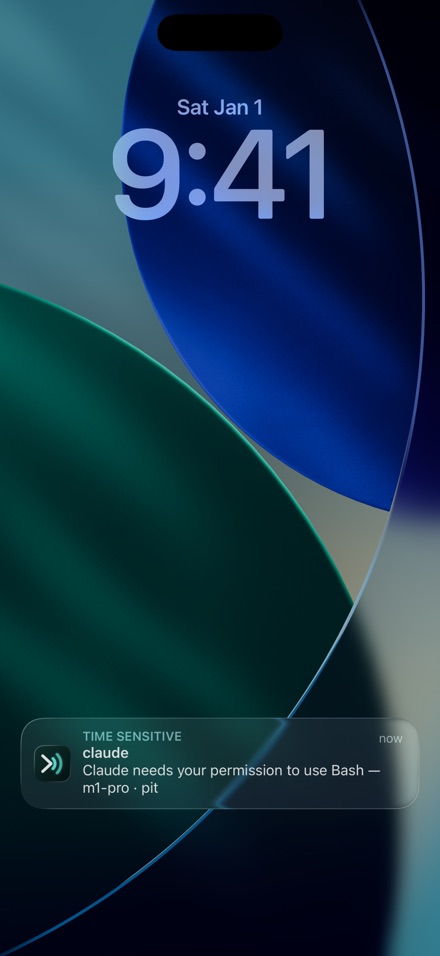
Claude Code hits a permission prompt on your server. Your locked phone says so — even with Moshpit closed. The alert travels sealed; only your device can read it. One tap lands in the exact pane that asked. No walking back to your desk.
$6.99 one-time · no subscription
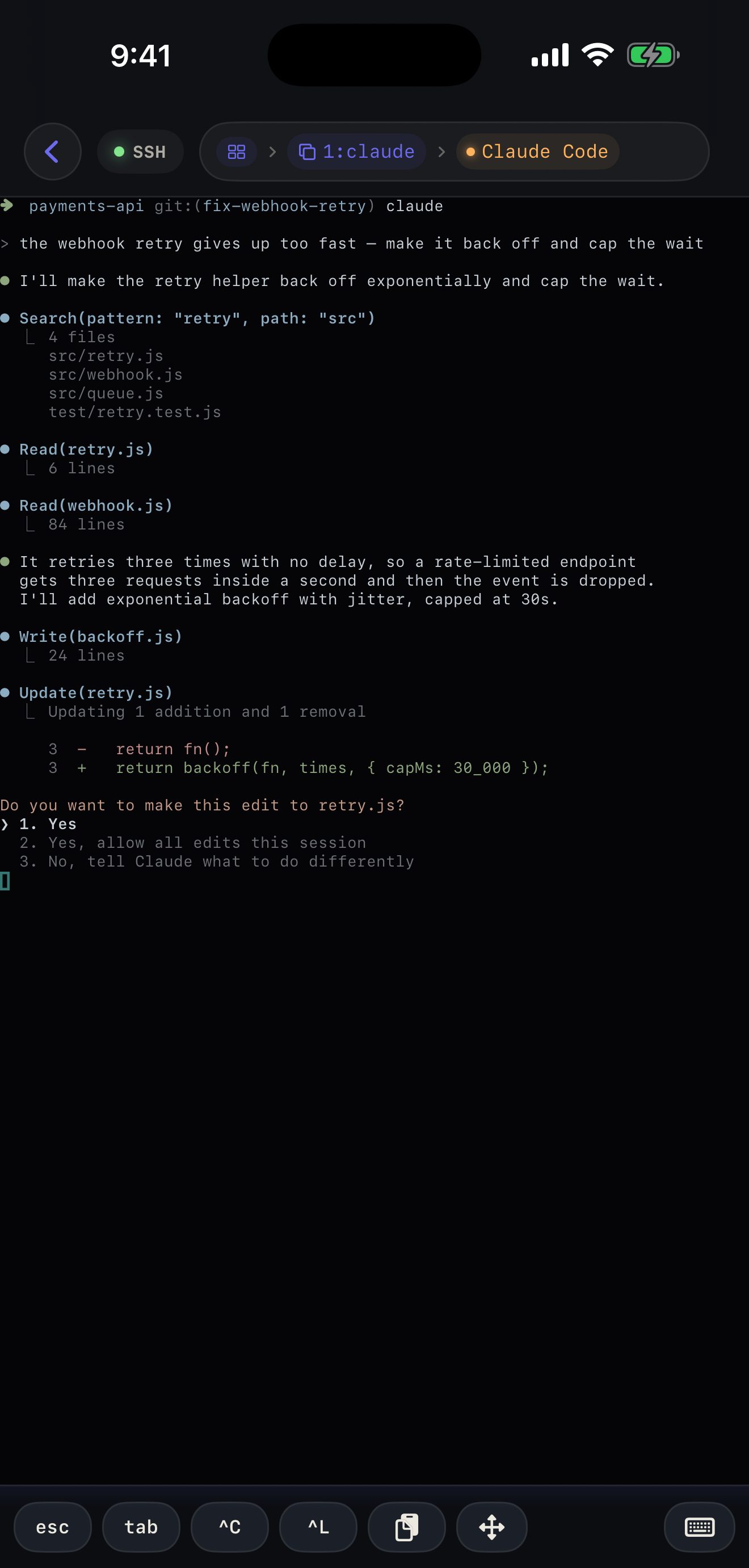
There is no integration list to be on. Moshpit drives a real shell, so an agent it has never heard of works the same day it ships.
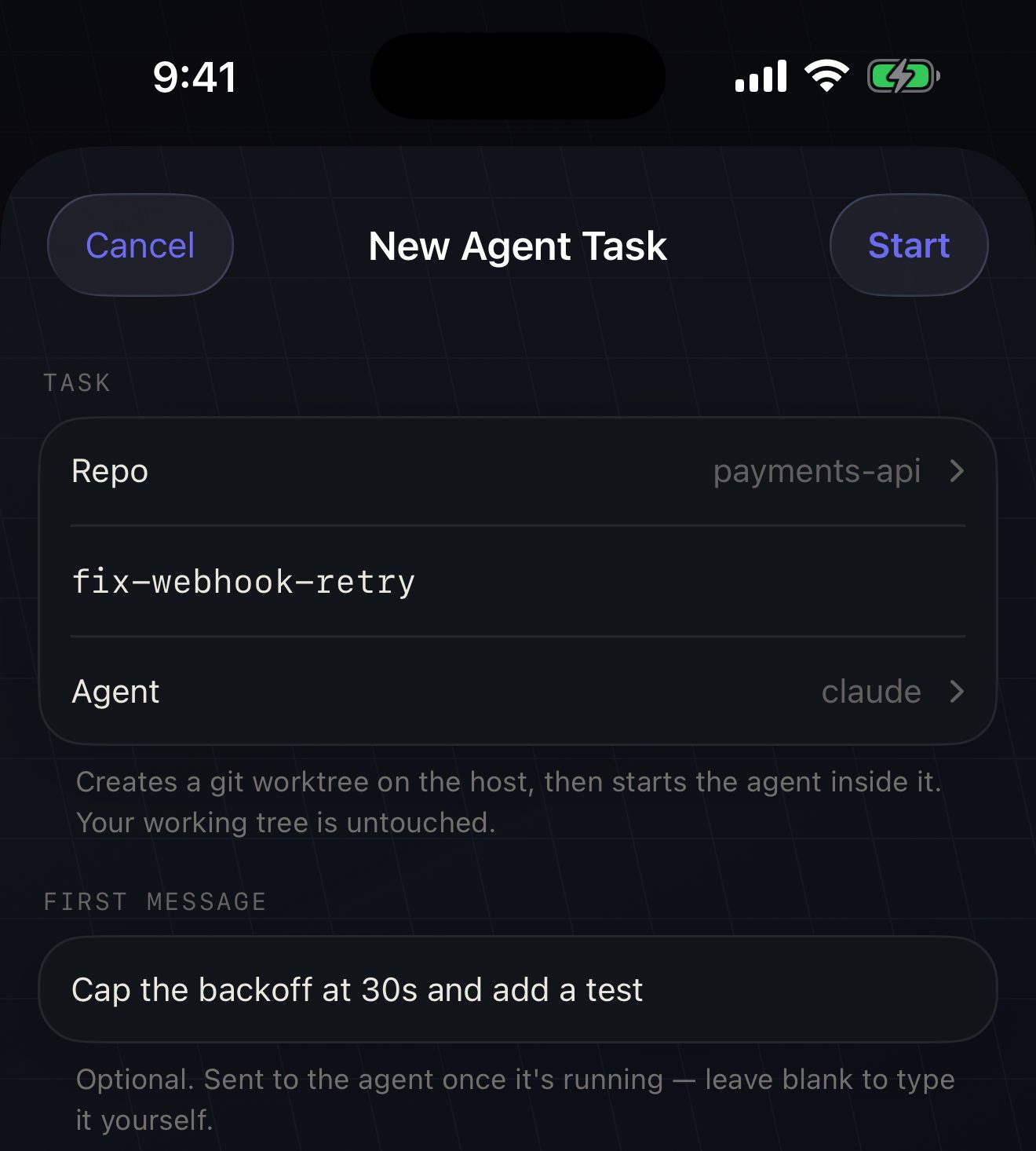
claude in a pane, or let Moshpit open an
isolated git worktree and hand it the first prompt. Nothing new
to learn on the host.The part a suspended iPhone can't do for itself, your dev host does: it seals the alert with a key only your device holds and hands the ciphertext to Moshpit's push relay. Neither the relay nor Apple can read a byte — agent names, commands, the question itself decrypt on your phone, on the lock screen. Pairing happens by itself the first time you enable notifications on a host. Nothing to configure.
And no Allow button to press blind, on purpose: approving a prompt you haven't read defeats the point of carrying a real terminal. The tap lands you in the pane — you read, then you answer.
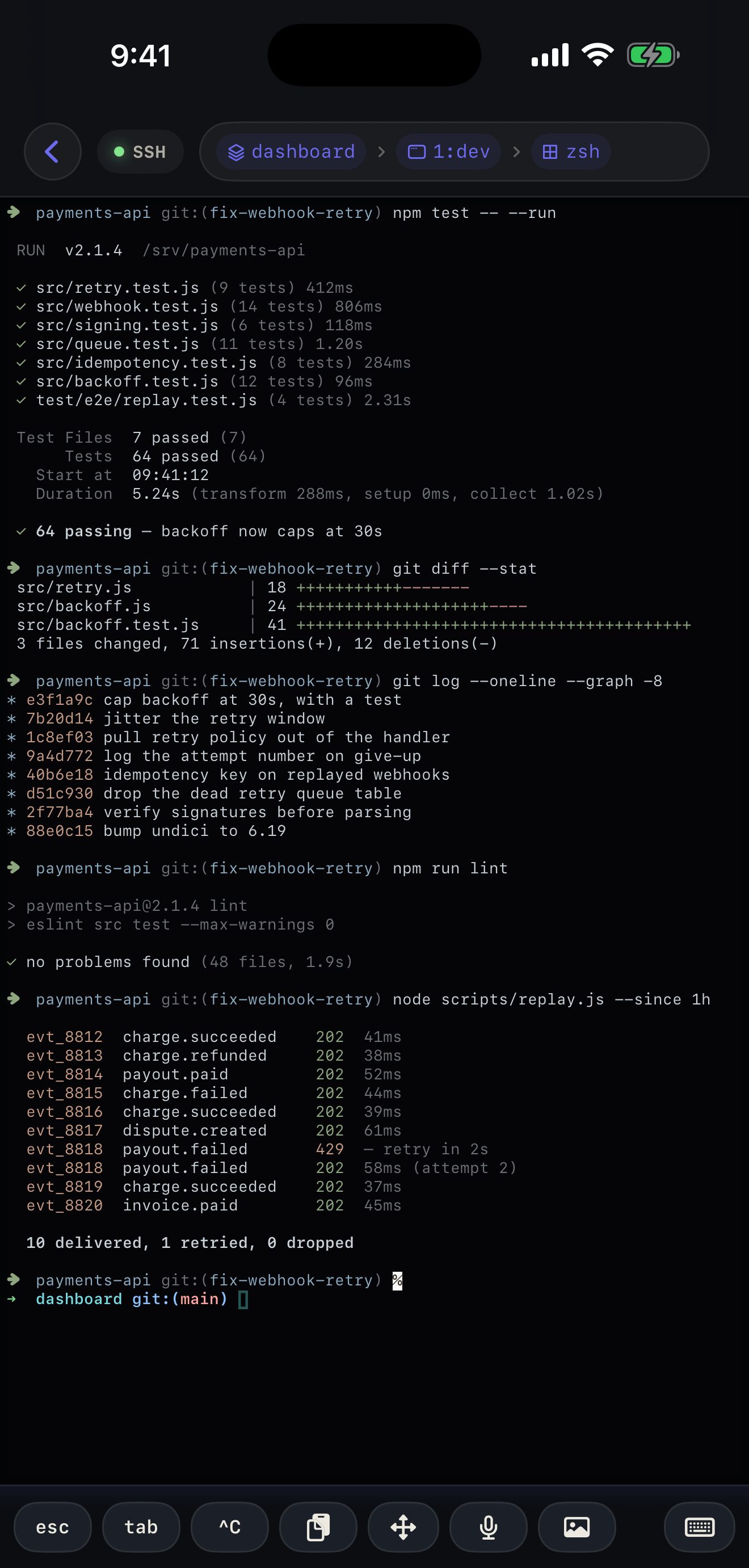
A mic chip sits on the terminal bar. Speech becomes text in a preview — nothing is typed until you tap Insert — and transcription runs entirely on the phone. The audio never leaves it. Switch on a local Whisper model for ~100 languages, and sentences that don't stay in one of them.
| What | Answer | Why |
|---|---|---|
| Account required | none | There is nothing to sign up for, so there is nothing to leak. |
| Analytics & tracking | zero | The privacy label reads “Data Not Collected” because none is. |
| Terminal traffic | your servers only | SSH and Mosh connect straight to machines you added. No middlebox. |
| Agent alerts | sealed end-to-end | Pushed as ciphertext only your phone can open — the relay and Apple read none of it. |
| Dictation audio | never leaves the phone | Apple's on-device models or a local Whisper one; server recognition is not in the app. |
| SSH keys | Secure Enclave | Generated and stored in the iOS Keychain, Face ID gated. |
No subscription, no in-app purchases. The price goes up as the app matures — buying early is the discount.
Available in most regions at launch. Mainland China and France aren't included yet, for local policy reasons — support for them is planned for later. Details.